
![youtube - [Video]](/web/image/product.image/185/image_128/youtube%20-%20%5BVideo%5D?unique=4832332)




Tally Prime TDL | Auto Labour, Loading, Unloading, Packing & Handling Charges Module
Tally Prime TDL | Auto Labour, Loading, Unloading, Packing & Handling Charges Module
🚀 Tally Prime TDL – Automatic Item-wise Charges Calculation Module | VIKASH AMIT TECH
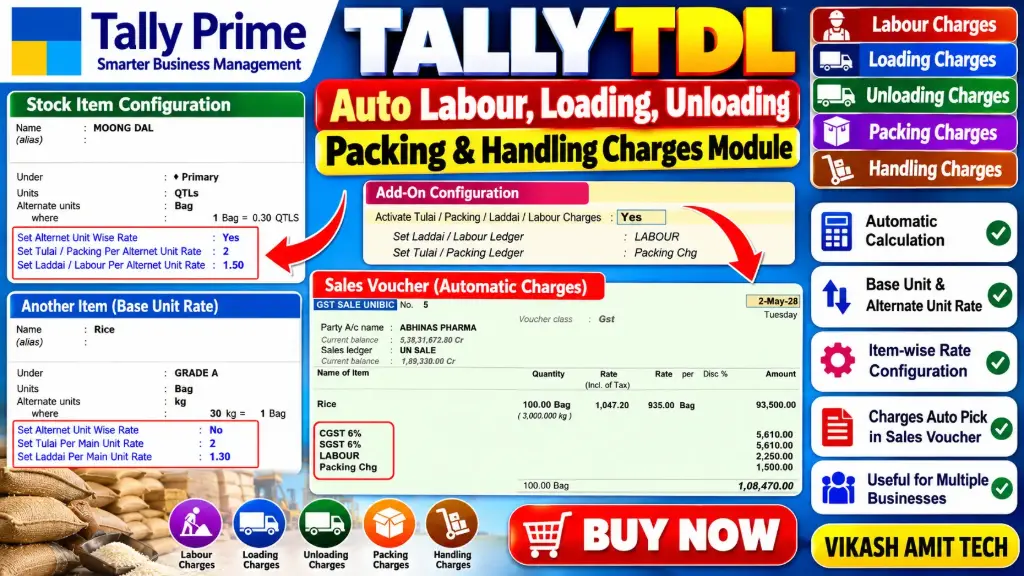
Automate your additional expense calculations in Tally Prime with the Auto Labour, Loading, Unloading, Packing & Handling Charges TDL Module.
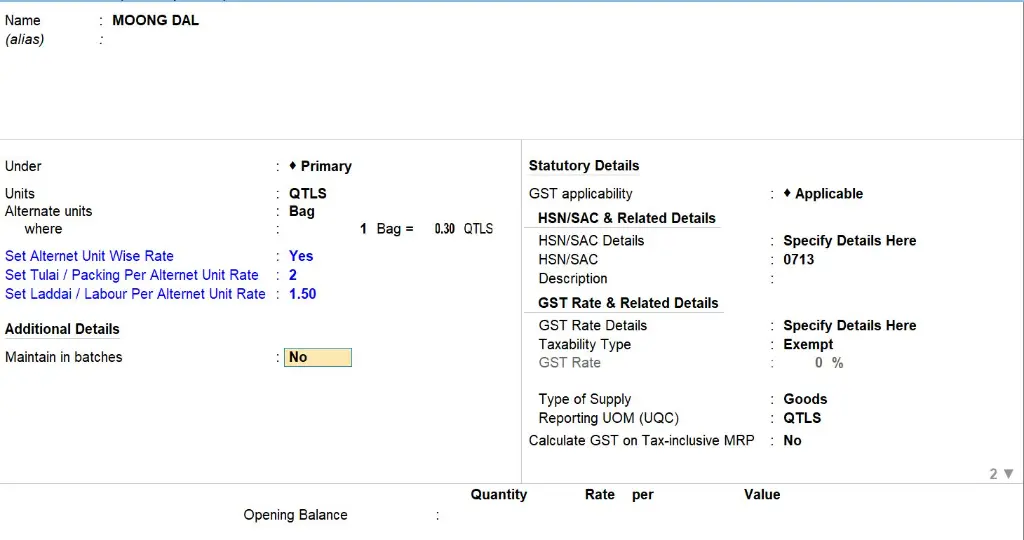
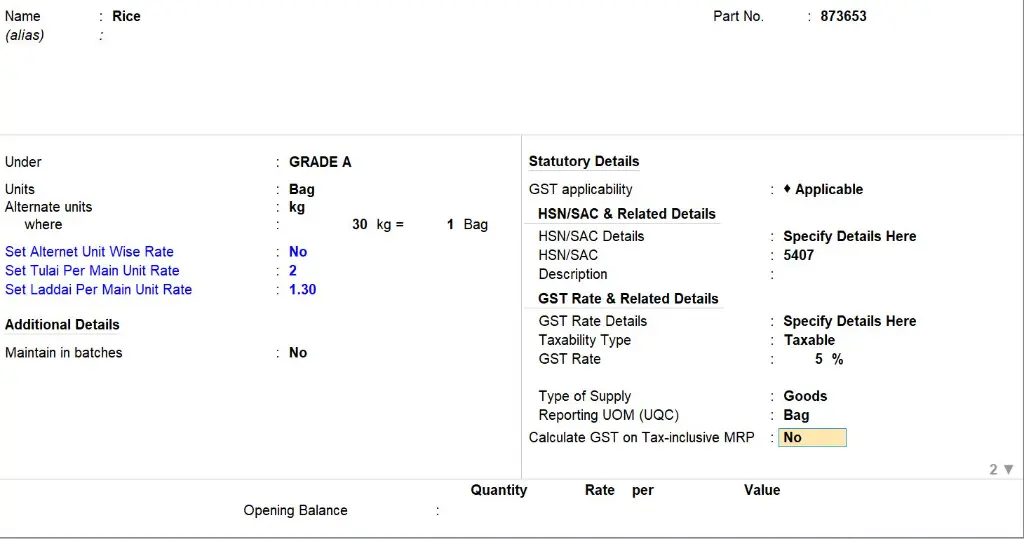
This TDL customization allows you to maintain different charge rates for Stock Items based on Base Unit and Alternate Unit. When you select a Stock Item in the Sales Voucher, applicable charges are automatically calculated according to the entered quantity and configured rates.
🛒 BUY NOW
🔗 https://www.vikashamittech.co.in
📞 CONTACT – VIKASH AMIT TECH
📱 6207009470 | 7033509470
🌐 Website: https://www.vikashamittech.co.in/
📲 WhatsApp: https://wa.me/message/TTOJQA443MGHO1
📢 Telegram: https://t.me/VA2080
🔑 KEY FEATURES
1. 👷 Labour Charges
Maintain item-wise labour rates and automatically calculate labour charges according to the stock item quantity.
2. 🚚 Loading Charges (Ladai)
Configure loading charges for individual stock items and calculate charges automatically based on quantity.
3. 📦 Unloading Charges (Utarai)
Maintain unloading rates and automatically calculate unloading expenses according to the entered quantity.
4. 🎁 Packing Charges
Configure item-wise packing rates and calculate packing charges automatically during Sales Voucher entry.
5. ⚙️ Handling Charges
Maintain handling charges for different stock items and calculate the applicable amount according to quantity.
6. 🔄 Base Unit & Alternate Unit Rate
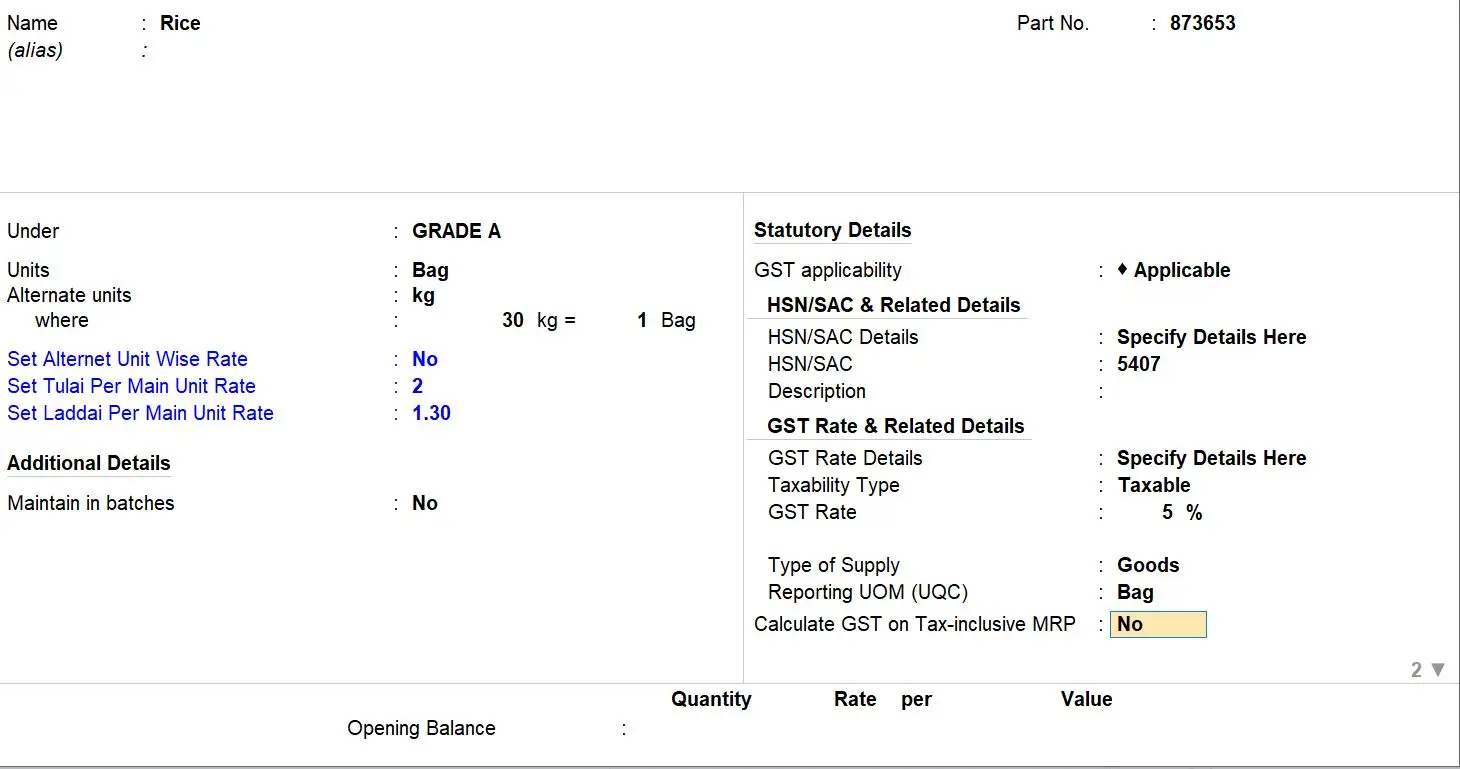
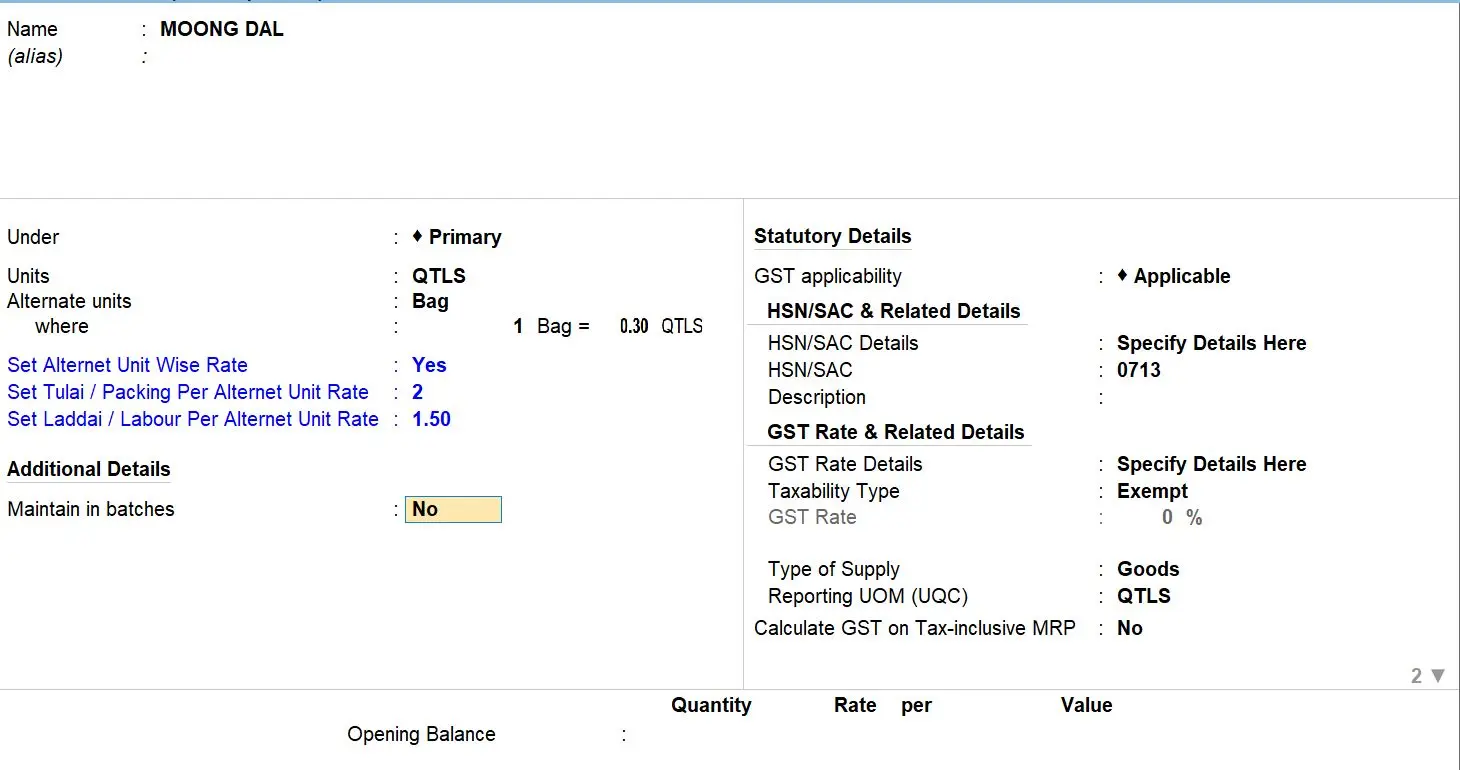
Maintain separate charge rates for Base Unit and Alternate Unit as required for individual Stock Items.
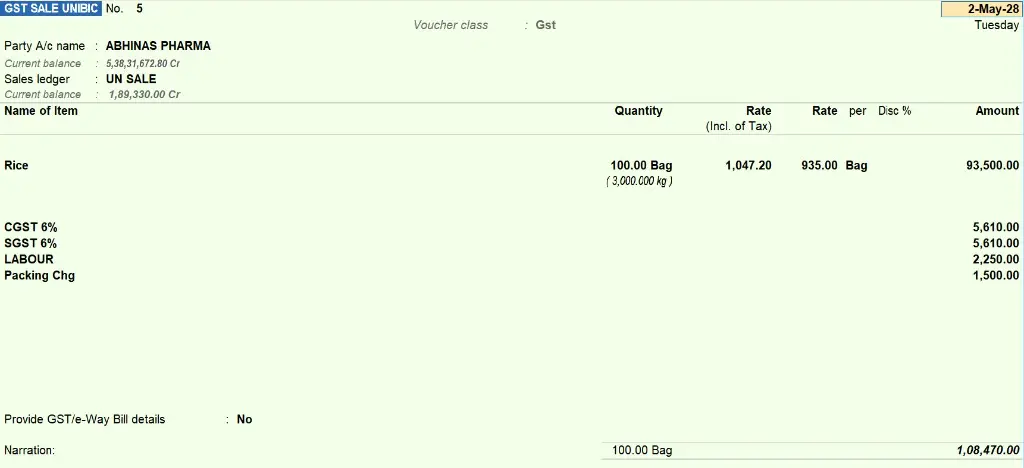
7. 🧮 Automatic Quantity-based Calculation
Charges are calculated automatically using the entered quantity and configured rate.
Example:
| Particulars | Amount |
| Stock Item | Item A |
| Quantity | 20 Bags |
| Labour Rate | ₹2 / Bag |
| Labour Charges | ₹40 |
8. 🧾 Automatic Charges in Sales Voucher
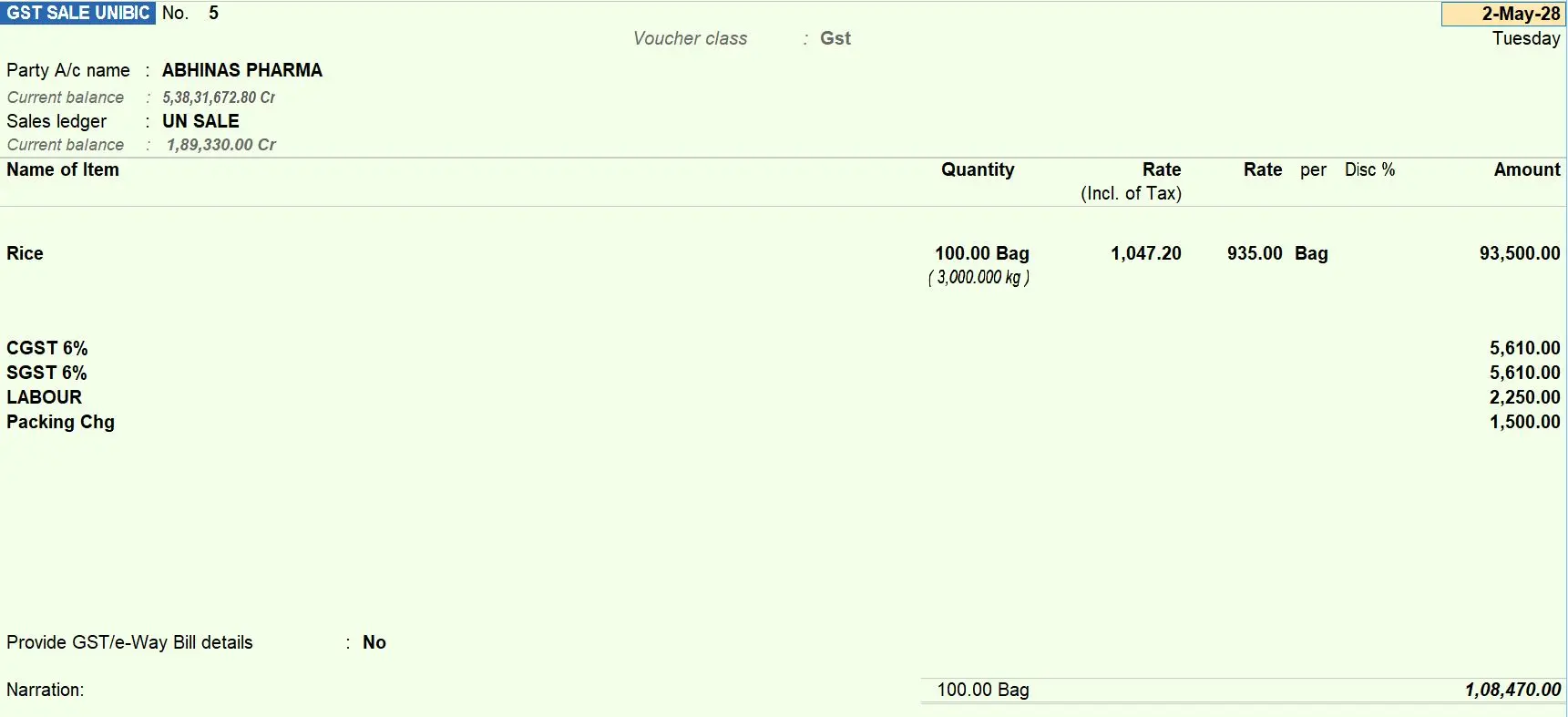
Select the Stock Item in the Sales Voucher and applicable charges are automatically calculated according to the configured rates.
🎯 IDEAL FOR
- Rice Mills and Grain Traders
- Dal Mills and Wholesale Businesses
- Cement and Fertilizer Dealers
- Building Material Suppliers
- FMCG and Distribution Businesses
- Manufacturing Industries
- Businesses dealing with Bag, KG, PCS, Box and other units
- Tally Prime users managing additional item-wise expenses
📌 WATCH THE VIDEO
Watch the demonstration of the Auto Labour, Loading, Unloading, Packing & Handling Charges TDL Module in Tally Prime.
👍 Like, Share & Subscribe to VIKASH AMIT TECH for more Tally Prime TDL modules, automatic calculations, customized reports, and accounting automation solutions.
- How to Install the TDL File in Tally
- Step 1. Go to Gateway of Tally.
- Step 2. Then Press Ctrl+Alt+T button
- Step 3. Now Press F4 Button or Click on “Manage Local TDL” button
- Step 4. Now do “Yes” to “Load TDL Files on Startup” option
- Step 5. Now in the next line “List of TDL Files to preload on Startup” Enter the TDL File Path or Location Like “E:/File.tcp”
- Step 6. Now save the settings
- Your TDL File is ready to use.
- Tally Prime TDL