
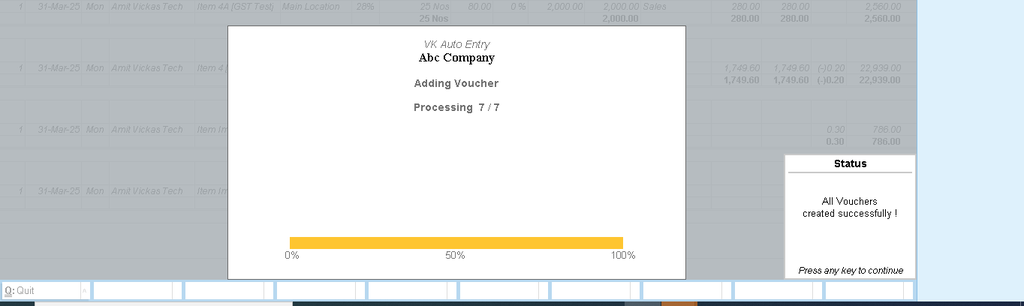
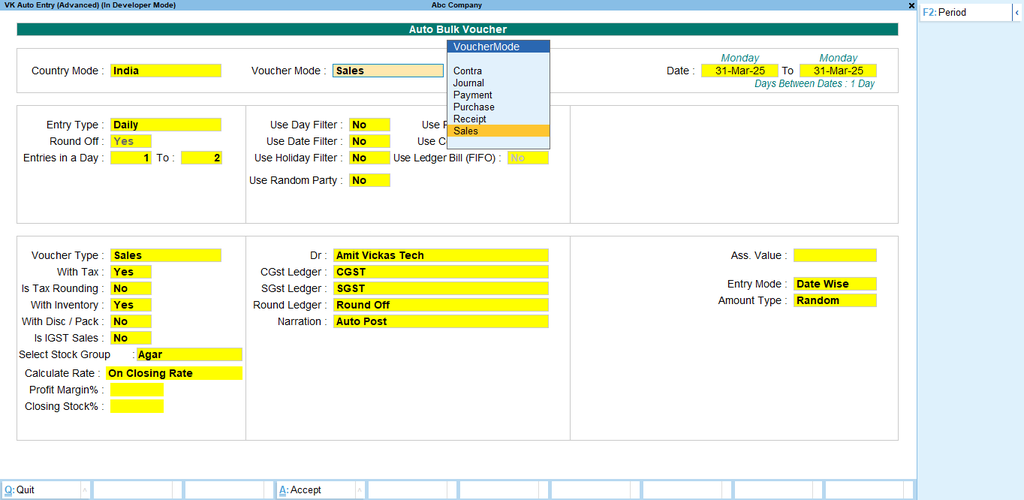

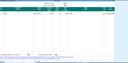
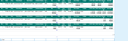

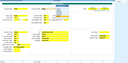
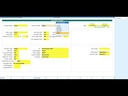
Tally TDL Auto Bulk Sale Purchase Receipt Payment Entry Module With BatchWise Sales
Direct Bulk Entry in Tally
No Excel Import Required
Sale, Purchase, Receipt & Payment Entry in One Screen
Inventory with Batchwise Management
Automatic Tax Calculation
Fast & Error Free Voucher Entry
Auto Stock Update
Multi Item Voucher Support
User Friendly Interface
100% Time Saving Solution
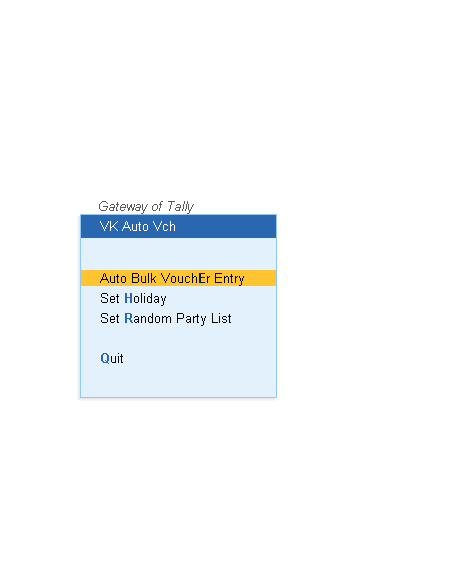
- How to Install the TDL File in Tally
- Step 1. Go to Gateway of Tally.
- Step 2. Then Press Ctrl+Alt+T button
- Step 3. Now Press F4 Button or Click on “Manage Local TDL” button
- Step 4. Now do “Yes” to “Load TDL Files on Startup” option
- Step 5. Now in the next line “List of TDL Files to preload on Startup” Enter the TDL File Path or Location Like “E:/File.tcp”
- Step 6. Now save the settings
- Your TDL File is ready to use.
- Tally Prime TDL
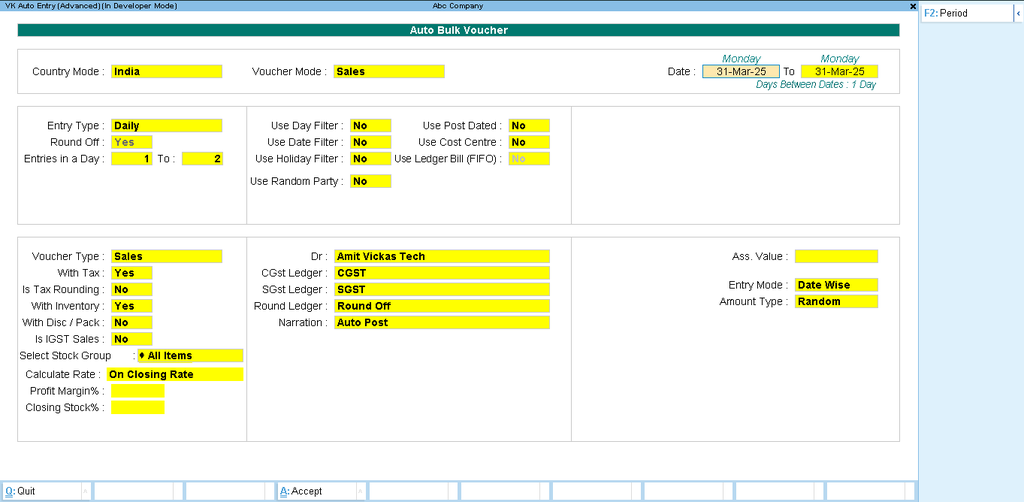
Bulk Entry Direct in Tally – No Excel Needed
Manage Sale, Purchase, Receipt & Payment entries directly inside Tally with full Inventory and Batchwise details. This TDL is specially designed for distributors, wholesalers, stockists, traders and manufacturers who create hundreds of entries daily and want fast, accurate and error-free voucher entry.
How To Use
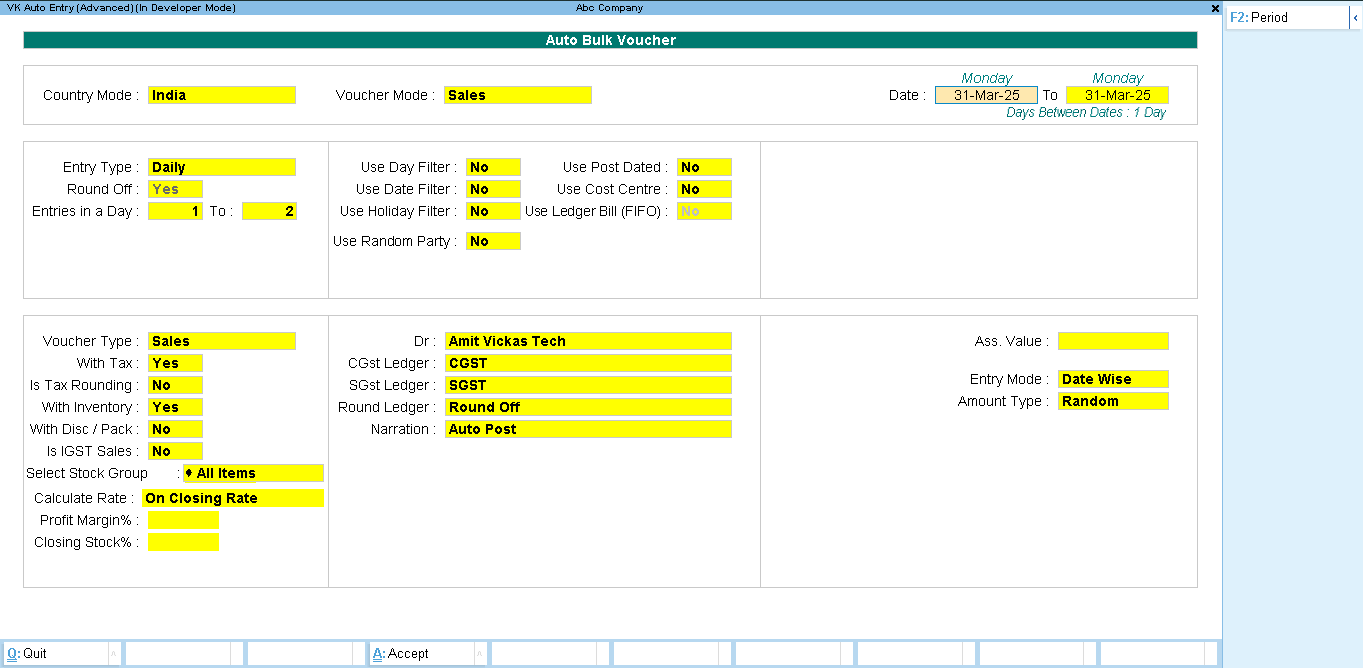
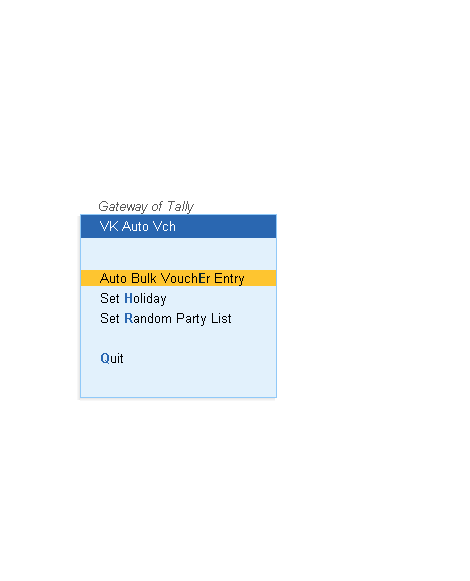
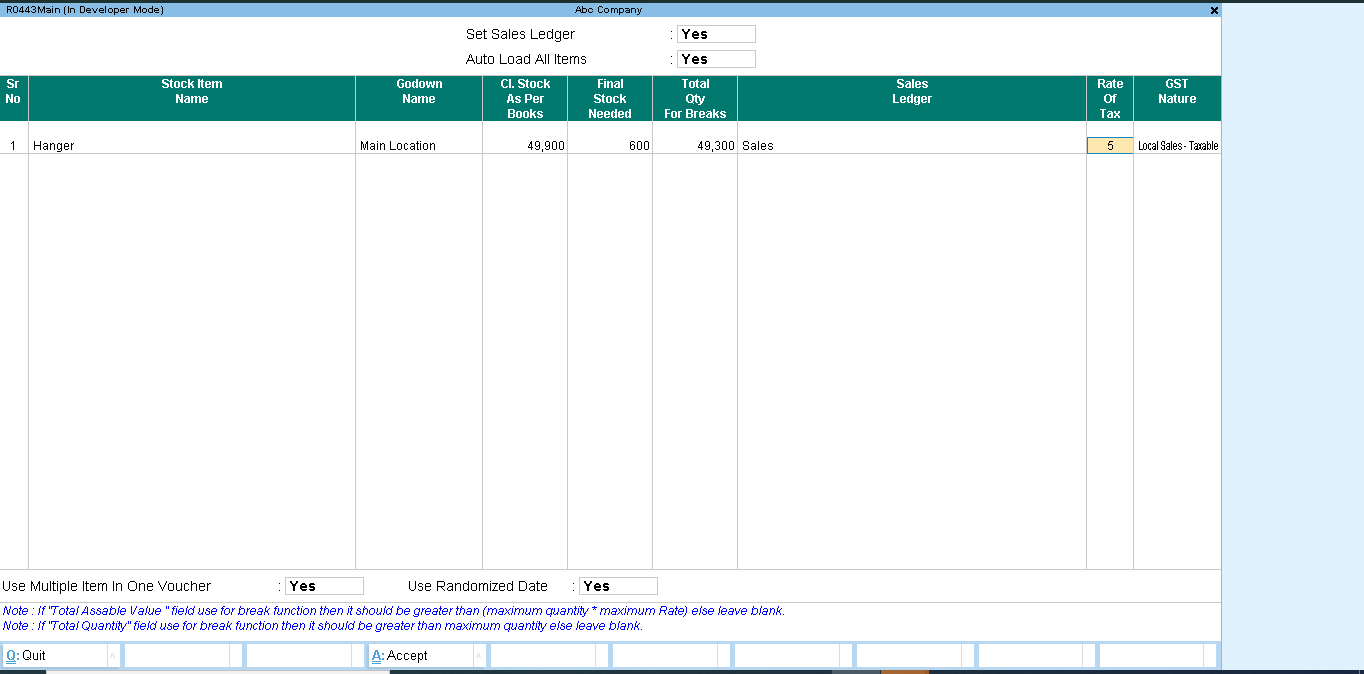
Main Features
1. Direct Bulk Entry in Tally
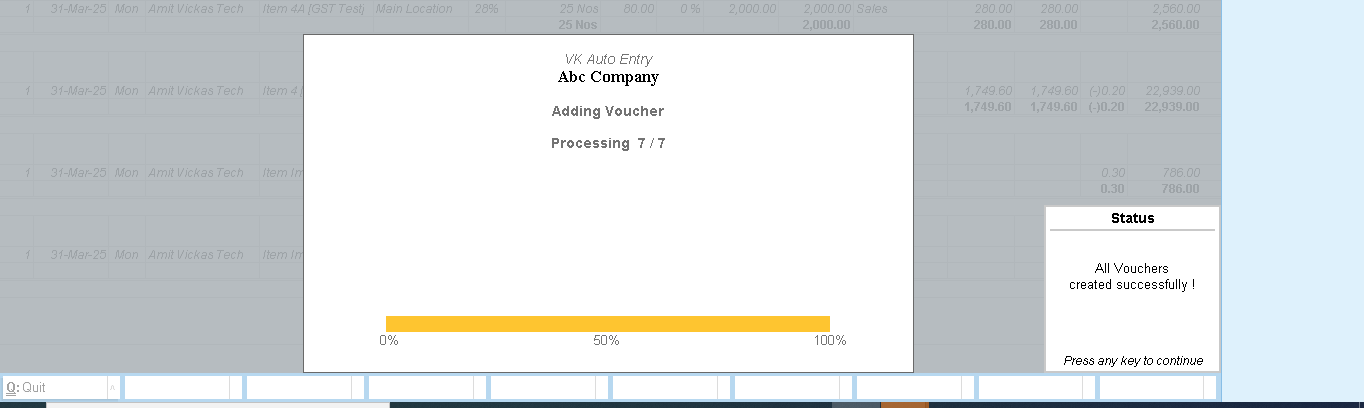
Create multiple vouchers directly inside Tally without importing Excel or CSV files.
2. Sale, Purchase, Receipt & Payment Entry
Supports all major voucher types:
- Sales Voucher
- Purchase Voucher
- Receipt Voucher
- Payment Voucher
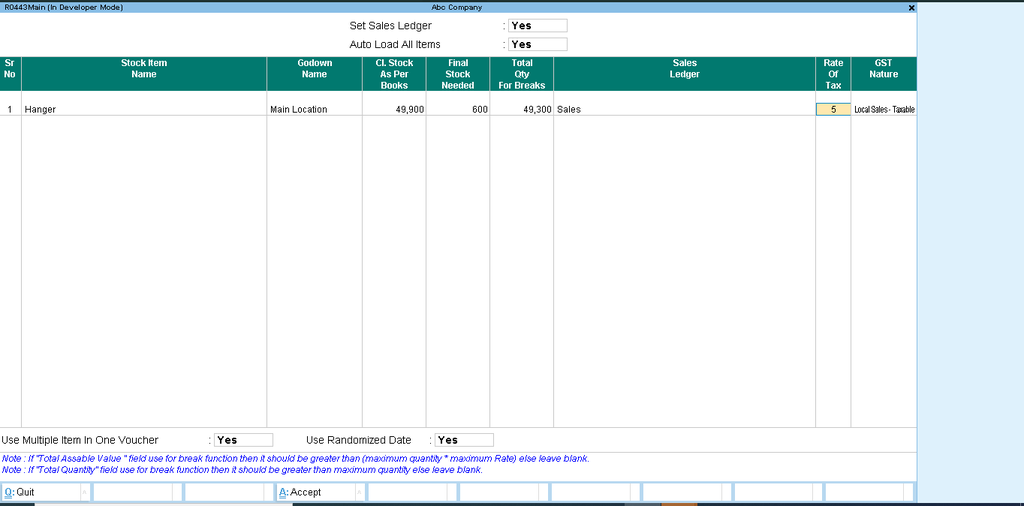
3. Inventory with Batchwise Sales
Maintain complete inventory details with:
- Batch Name
- Godown Name
- Item Name
- Quantity
- Rate
- Amount
- Tax Details
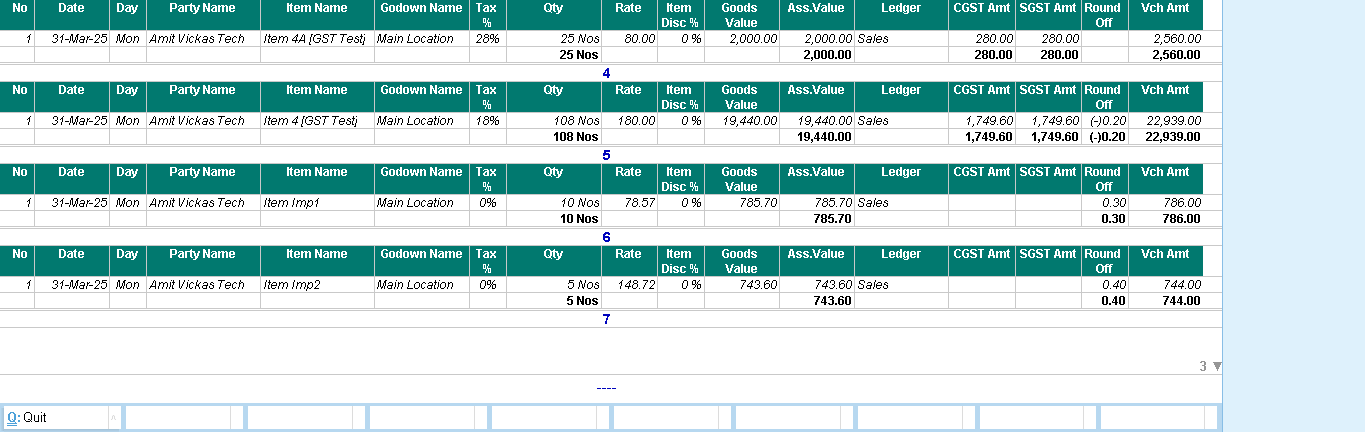
4. Automatic GST Calculation
Automatically calculates:
- CGST
- SGST
- IGST
- Round Off
- Tax Amount
5. Multi Item Voucher Entry
Create multiple item entries in a single voucher screen quickly and accurately.
6. Auto Stock Update
Stock updates automatically after voucher saving.
7. Inventory Tracking
Track:
- Batchwise Stock
- Godownwise Stock
- Itemwise Quantity
- Sales & Purchase Movement
8. Fast Data Entry
Designed for businesses handling heavy daily transactions.
9. User Friendly Interface
Simple and easy-to-use screen layout for operators and accountants.
10. Accurate Voucher Management
Maintains proper accounting and inventory accuracy with less manual work.
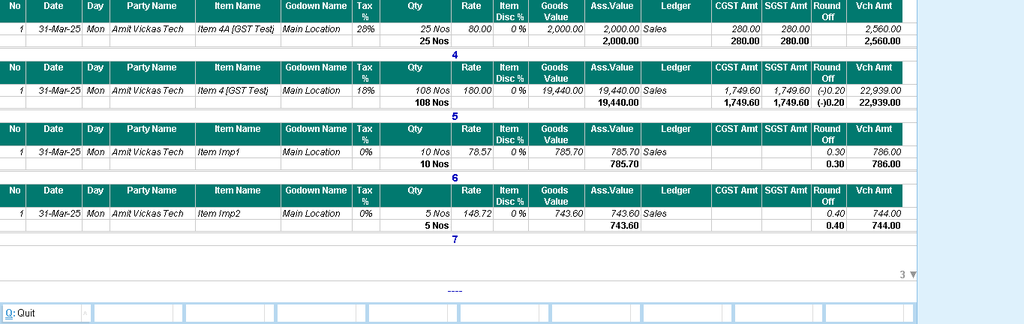
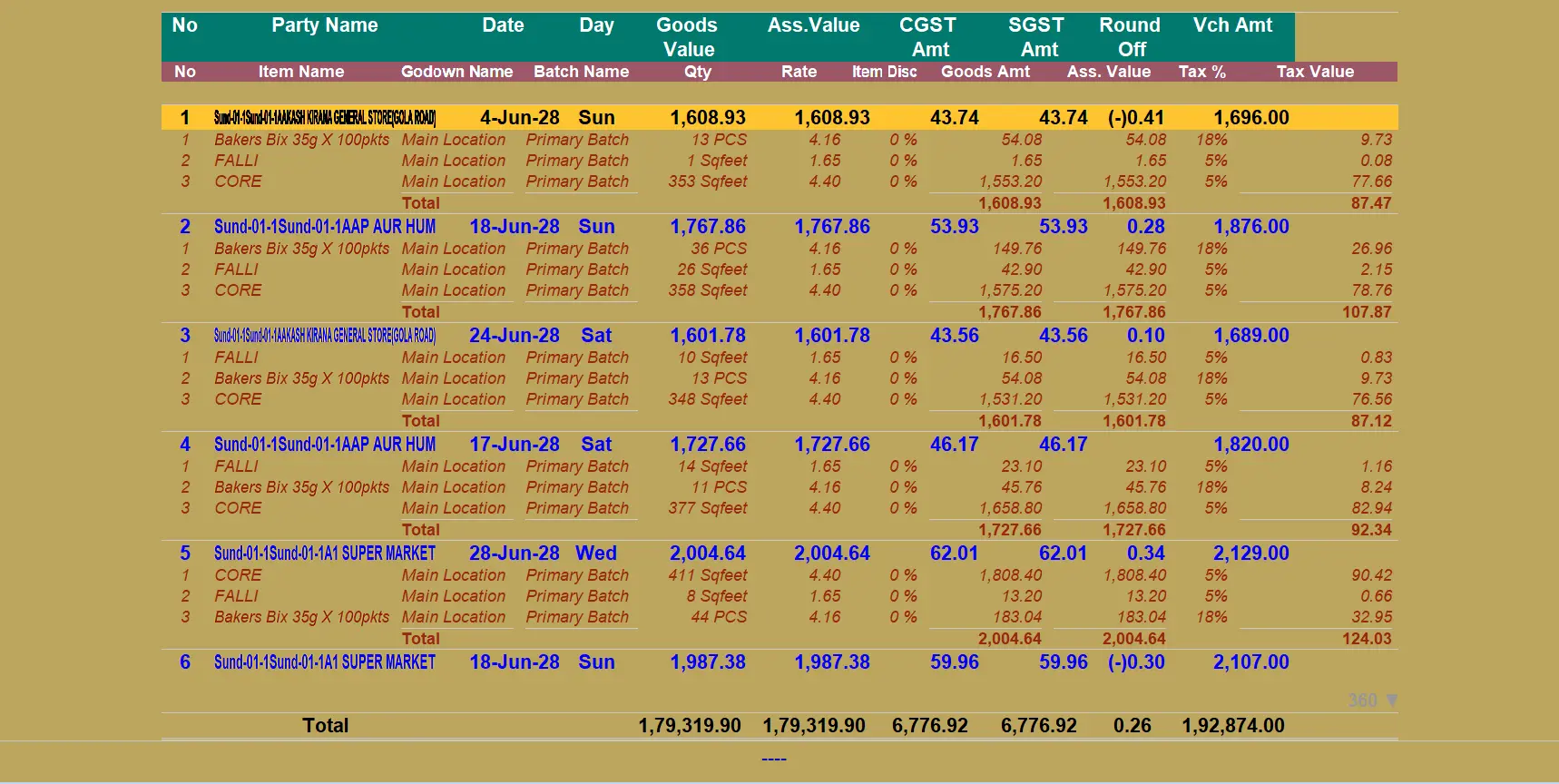
Supported Details
The module supports complete voucher details including:
- Party Name
- Date
- Day
- Item Name
- Batch Name
- Godown Name
- Quantity
- Rate
- Discount
- Goods Value
- Assess Value
- CGST Amount
- SGST Amount
- Tax Percentage
- Tax Value
- Voucher Amount
- Round Off
Benefits
- Save Huge Amount of Time
- Reduce Manual Work
- Increase Entry Speed
- Maintain Accurate Inventory
- Avoid Human Errors
- Simplify GST Calculations
- Improve Business Productivity
- Handle Large Data Easily
Perfect For
- Distributors
- Wholesalers
- Stockists
- FMCG Businesses
- Traders
- Manufacturers
- Retail Businesses
- Accounting Firms
Why Choose This TDL?
Traditional manual entry in Tally takes too much time when businesses handle large numbers of invoices daily. This TDL solves that problem by providing a professional bulk entry screen directly inside Tally with inventory and batchwise management.
This solution is ideal for businesses that want:
- Faster voucher creation
- Better inventory control
- Less operator workload
- Accurate GST calculations
- Professional entry management
Compatibility
- Compatible with TallyPrime