![youtube - [Video]](/web/image/product.image/171/image_128/youtube%20-%20%5BVideo%5D?unique=4c34377)
- How to Install the TDL File in Tally
- Step 1. Go to Gateway of Tally.
- Step 2. Then Press Ctrl+Alt+T button
- Step 3. Now Press F4 Button or Click on “Manage Local TDL” button
- Step 4. Now do “Yes” to “Load TDL Files on Startup” option
- Step 5. Now in the next line “List of TDL Files to preload on Startup” Enter the TDL File Path or Location Like “E:/File.tcp”
- Step 6. Now save the settings
- Your TDL File is ready to use.
- Tally Prime TDL
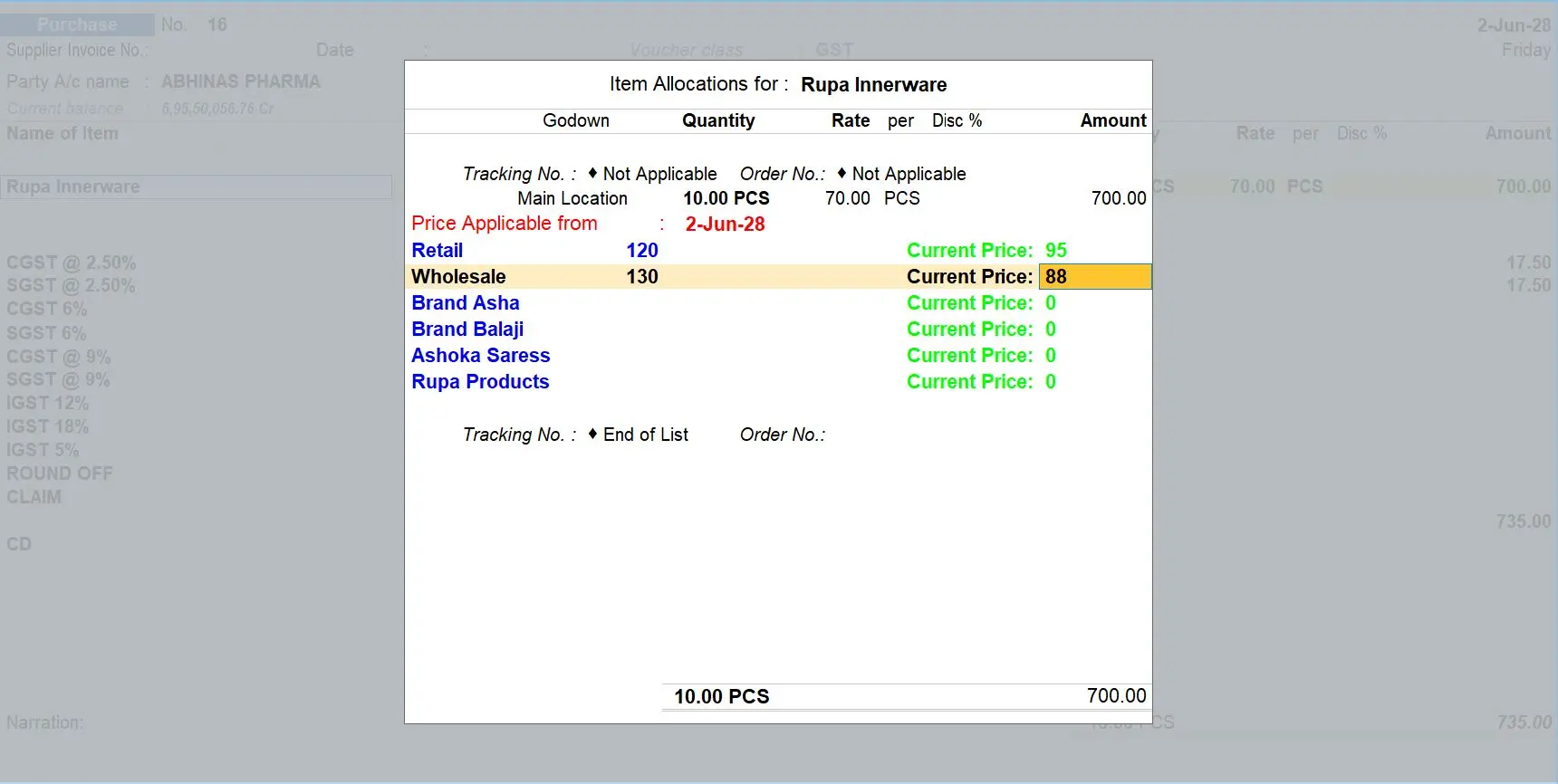
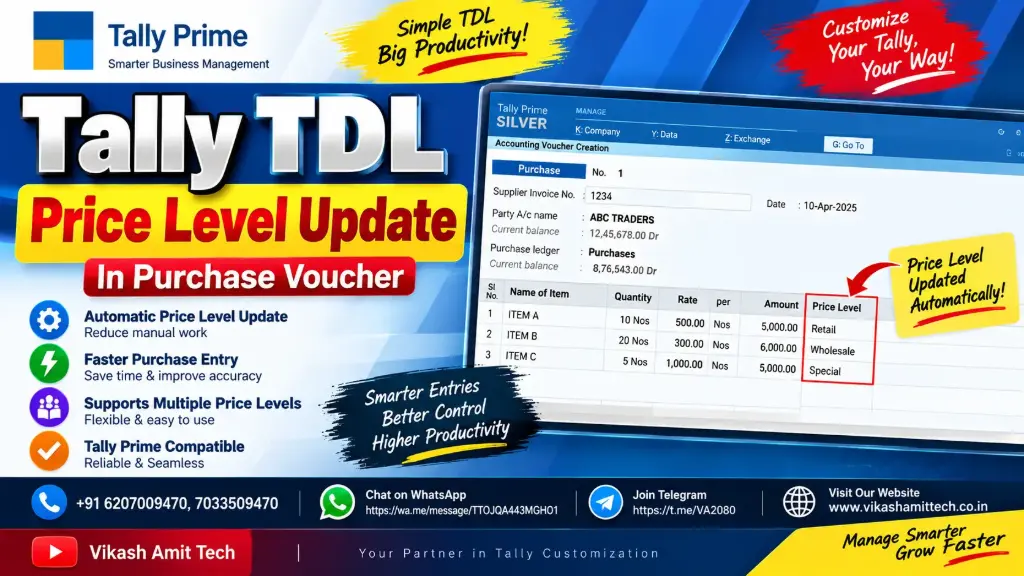
🚀 Tally TDL Price Level Update In Purchase Voucher | Tally Prime Automation
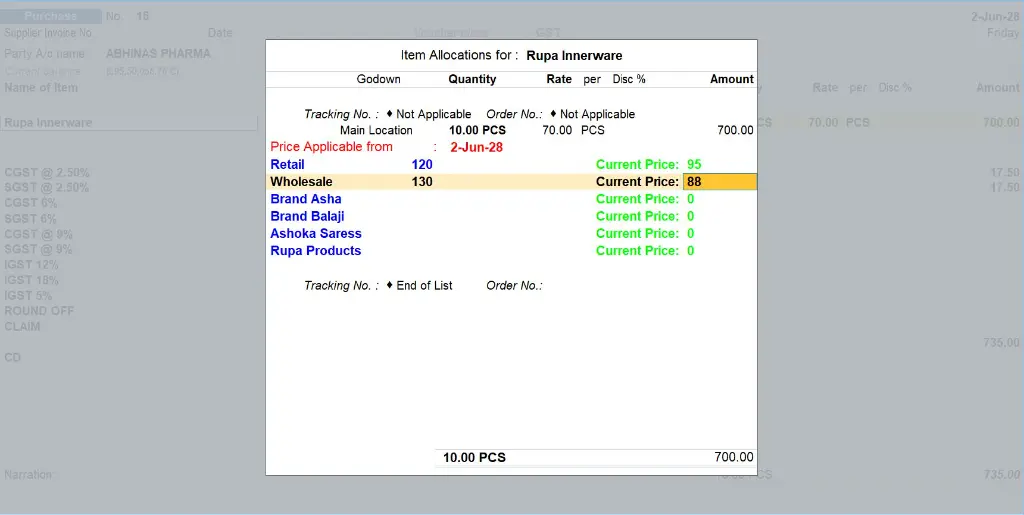
In this video, we will see how to update Price Level automatically in Purchase Voucher using Tally TDL.
This TDL customization helps users manage Purchase Voucher Price Levels more efficiently and reduces manual work while entering purchase transactions in Tally Prime.
With this automation, you can customize the Purchase Voucher workflow according to your business requirements and make voucher entry faster, easier and more accurate.
Your Dynamic Snippet will be displayed here...
This message is displayed because youy did not provide both a filter and a template to use.