![youtube - [Video]](/web/image/product.image/181/image_128/youtube%20-%20%5BVideo%5D?unique=bfa4a17)
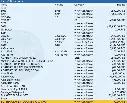
Tally Prime TDL | Stock Item List with Part No. & Category Name
🚀 Tally Prime Stock Item List Customization – VIKASH AMIT TECH
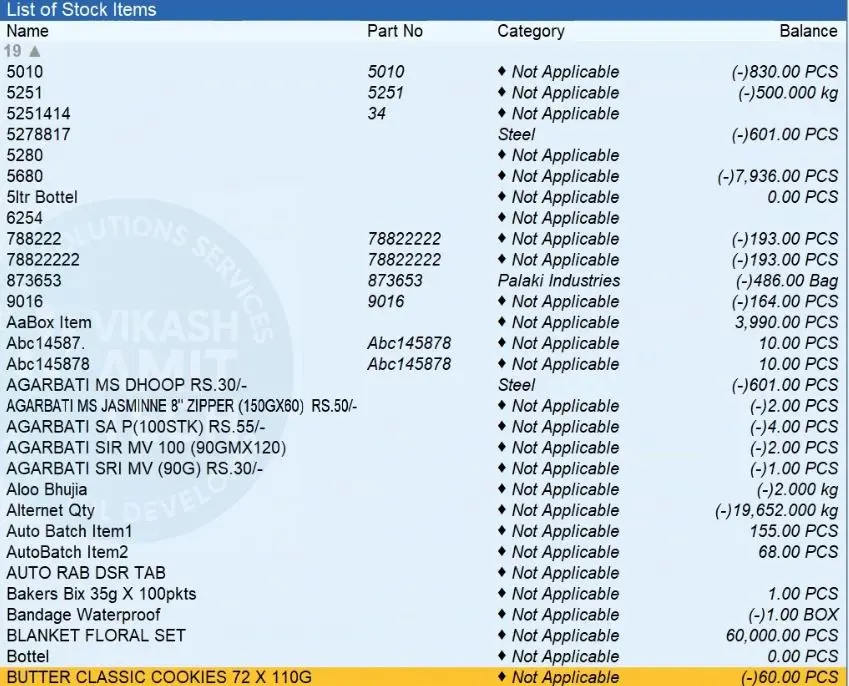
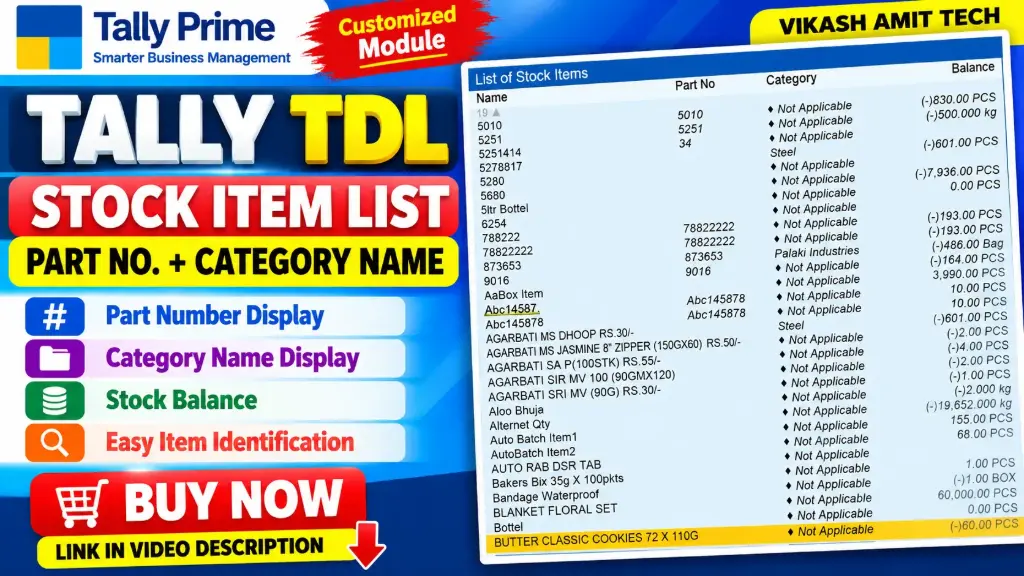
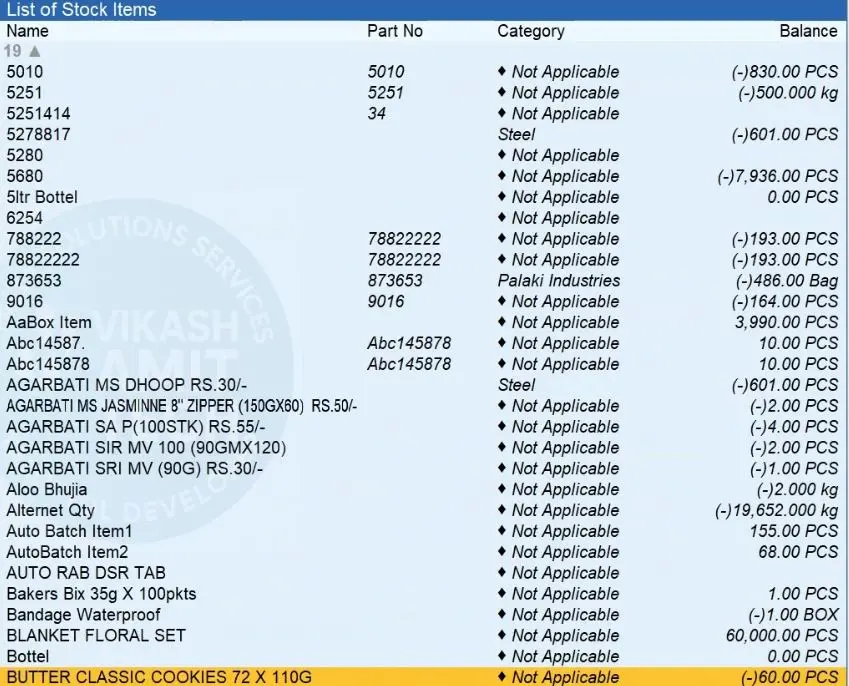
Make stock item identification easier with the Tally TDL Stock Item List with Part No. & Category Name module.
This Tally Prime customization displays the Part Number and Category Name alongside stock item details, helping users identify and manage inventory items more conveniently.
🛒 BUY NOW
🔗 https://www.vikashamittech.co.in
📞 CONTACT – VIKASH AMIT TECH
📱 6207009470 | 7033509470
🌐 Website: https://www.vikashamittech.co.in/
📲 WhatsApp: https://wa.me/message/TTOJQA443MGHO1
📢 Telegram: https://t.me/VA2080
🔑 KEY FEATURES
1. 📦 Stock Item List
Display stock items in a customized list within Tally Prime.
2. 🔢 Part Number Display
Show the Part Number alongside stock item names for easier item identification.
3. 🗂️ Category Name Display
Display the Stock Category Name to help users recognize and organize inventory items.
4. 🔍 Easy Stock Item Identification
Identify stock items using their names, part numbers, and category information.
5. 🖥️ Customized Tally Prime Display
Enhance the stock item listing with additional information through Tally TDL customization.
🎯 IDEAL FOR
- Traders and wholesalers
- Retail businesses
- Manufacturing businesses
- Businesses maintaining stock part numbers
- Tally Prime users who need stock item and category information together
📌 WATCH THE VIDEO
Watch the demonstration of the Stock Item List with Part No. & Category Name TDL Module.
👍 Like, Share & Subscribe to VIKASH AMIT TECH for more Tally Prime TDL modules, customized reports, and accounting automation solutions.
- How to Install the TDL File in Tally
- Step 1. Go to Gateway of Tally.
- Step 2. Then Press Ctrl+Alt+T button
- Step 3. Now Press F4 Button or Click on “Manage Local TDL” button
- Step 4. Now do “Yes” to “Load TDL Files on Startup” option
- Step 5. Now in the next line “List of TDL Files to preload on Startup” Enter the TDL File Path or Location Like “E:/File.tcp”
- Step 6. Now save the settings
- Your TDL File is ready to use.
- Tally Prime TDL